
The short version
- Keep each item’s photos together, including labels, details and meaningful flaws.
- Add measurements, testing results and other facts the camera cannot establish.
- Review the title, description, fields, price and shipping before publishing.
To turn item photos into an eBay listing, photograph the actual piece, add the facts the pictures cannot show, prepare a draft and check every field before publishing. AI can help with the wording. Your inspection supplies the evidence.
Listalong Snap is our coming-soon phone app built around that workflow: photograph items, prepare editable AI drafts, review them and publish to eBay. The steps below are useful today, whether you currently write listings manually or are preparing for Snap’s launch.
1. Make one item the subject of each photo group
Pick up one piece and keep its pictures together. Start with a clear view that identifies the item, then work through the details before moving on.
For clothing, that might mean the front, back, labels, closures and wear. For a camera, it could include the body, model label, controls, ports, included accessories and visible damage. Photograph only the accessories included in the sale, or make exclusions unmistakably clear.
Do not leave a second, similar item in the main shot. Two black jackets can share a color and still have completely different sizes and condition. Give each a stock code before the camera roll becomes a guessing game.
If you are handling several pieces, our batch-listing workflow explains how to keep the groups separate.
2. Take photos that answer buyer questions
Use steady lighting and an uncluttered background. Check focus at full size, especially on labels and model numbers. A photo that looks crisp as a tiny thumbnail may not make the size label readable.
Aim for evidence rather than a fixed photo count:
| Buyer’s question | Useful evidence to capture |
|---|---|
| What is included? | The whole item and the accessories actually supplied. |
| Which version or size is it? | Readable model, size or identification labels. |
| What condition is it in? | Overall views and close-ups of meaningful wear or faults. |
| What does the detail look like? | Closures, seams, ports, soles or other relevant features. |
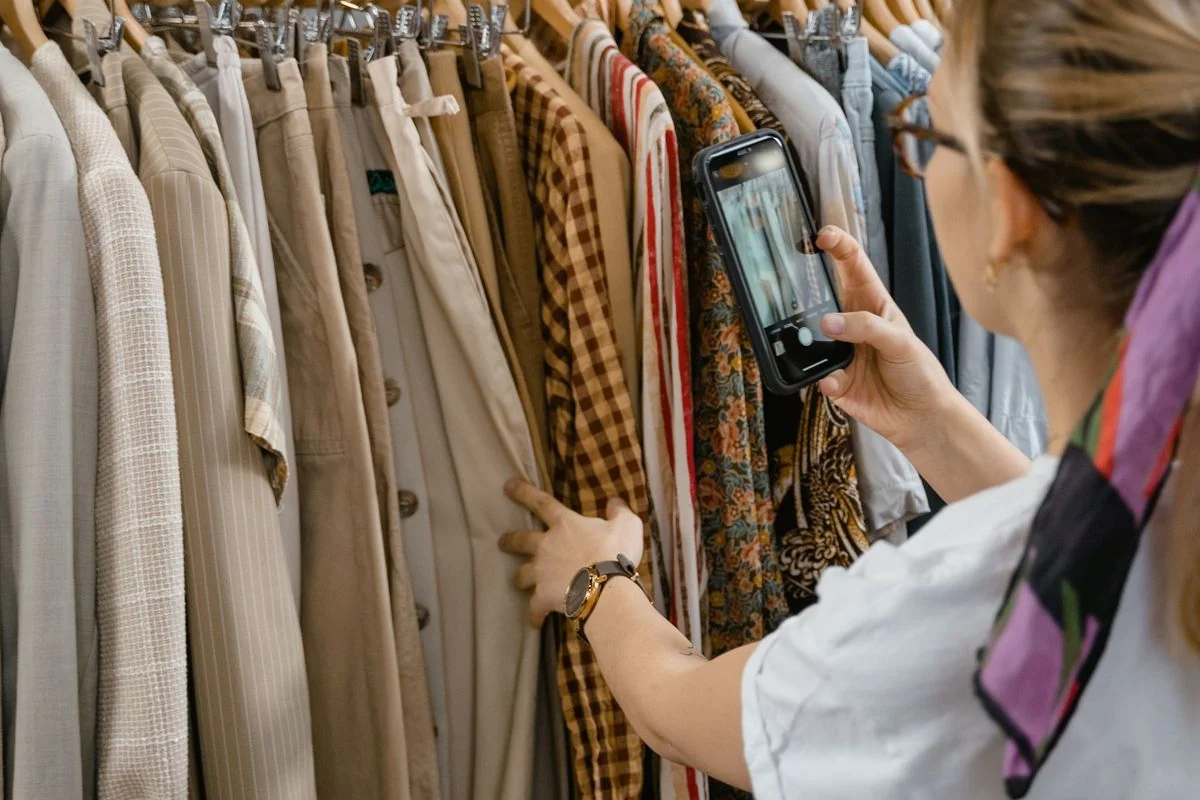
eBay’s photo guidance says used-item listings need your own actual-item photos rather than catalog or stock pictures. The stock photography used to introduce this blog is editorial imagery; it is not a substitute for photographing your sale item.
3. Record what a picture cannot establish
A camera can show a zipper. It cannot prove that you tested it. Add a short note while the item is in your hands.
Useful notes include:
- Measurements, with units and the method used. Inches are a useful starting point for US clothing buyers.
- What you tested and the result, including limitations.
- Missing parts, repairs, odors or faults that are not clear in a photo.
- Verified material or model details from a label or other reliable evidence.
Keep unknowns visible. “Fabric label missing” is better information than an unsupported guess that a sweater is cashmere.
For an imaginary jacket, a preparation note could read:
Tagged US medium. Flat chest 21 inches; back length 25 inches. Small cuff mark photographed. Zipper checked and working. Fabric label missing; do not add a material percentage.
That note gives a draft something useful to work with. “Lovely jacket” leaves quite a lot of homework for later.
4. Use AI to prepare wording from verified facts
The previewed Snap workflow uses item photos and seller notes to prepare editable titles, descriptions, condition wording and supported listing details. Category requirements help shape the fields; some details may still need more information from you.
Treat the result as a draft to inspect. Check that a suggested brand, model, material or specification is supported by this item. Remove any claim that is merely plausible.
An AI-generated sentence such as “professionally restored and fully tested” would need evidence for both claims. If you only checked that a device powers on, describe that limited test accurately instead.
Our AI listing review checklist gives you a repeatable way to do that final check.
5. Finish the listing beyond the description
Read the title, condition selection and item-specific fields as well as the paragraph of description. They should all describe the same piece. eBay’s item-specifics guidance explains how those fields help match listings with buyer searches.
Choose your price using relevant evidence, rather than accepting a suggestion simply because it is already filled in. Snap’s preview includes an AI estimate and a link to comparable sold listings; the final price is yours. Our US pricing guide shows how to compare sales and account for costs.
Check shipping, handling and returns settings for this item too. A default that suits a shirt may need changing for a heavy or fragile piece. Use the US shipping checklist to plan the actual package.
6. Keep the physical item connected to the finished listing
Before putting the item away, save its code, storage location and listing link in your records. Open the published listing to confirm that the right photos and details appear.
If you later offer it on another marketplace, keep both listings connected to the same physical stock record. Creating a listing and cross-listing an existing listing are different jobs; our cross-listing guide covers the second one.
Where Listalong Snap fits
Snap is designed to reduce the typing between photographing stock and reviewing eBay listings. Its planned flow supports taking or importing photos, preparing drafts and publishing individual ready items or a batch after review. It does not require a Listalong crosslisting subscription for that eBay workflow.
Snap is currently in private iPhone testing in Australia, with Android on the way. A US release date has not been announced, and previewed features may change before launch. Explore the app and get launch updates.
Common questions
Can an AI listing app create an accurate listing from one photo?
One image may leave important facts unknown. Supply useful views and seller notes, then verify the draft against the actual item. A photo alone does not establish measurements, working condition, authenticity or every specification.
Will Listalong Snap work with photos I already have?
The planned workflow includes importing existing photos as well as taking new ones. Keep images grouped by item and check they still show its current condition. Features may change before the public release.
Is Listalong Snap available to US sellers yet?
A US release date has not been announced. Snap is in private iPhone testing in Australia, with Android on the way. The Listalong Snap page has launch and availability updates.